
Project Teams & Administrators
A shared procurement workspace for your Project Team
Bring project information, documents, responses and results into one connected project.
See it in action
Connect the project’s people
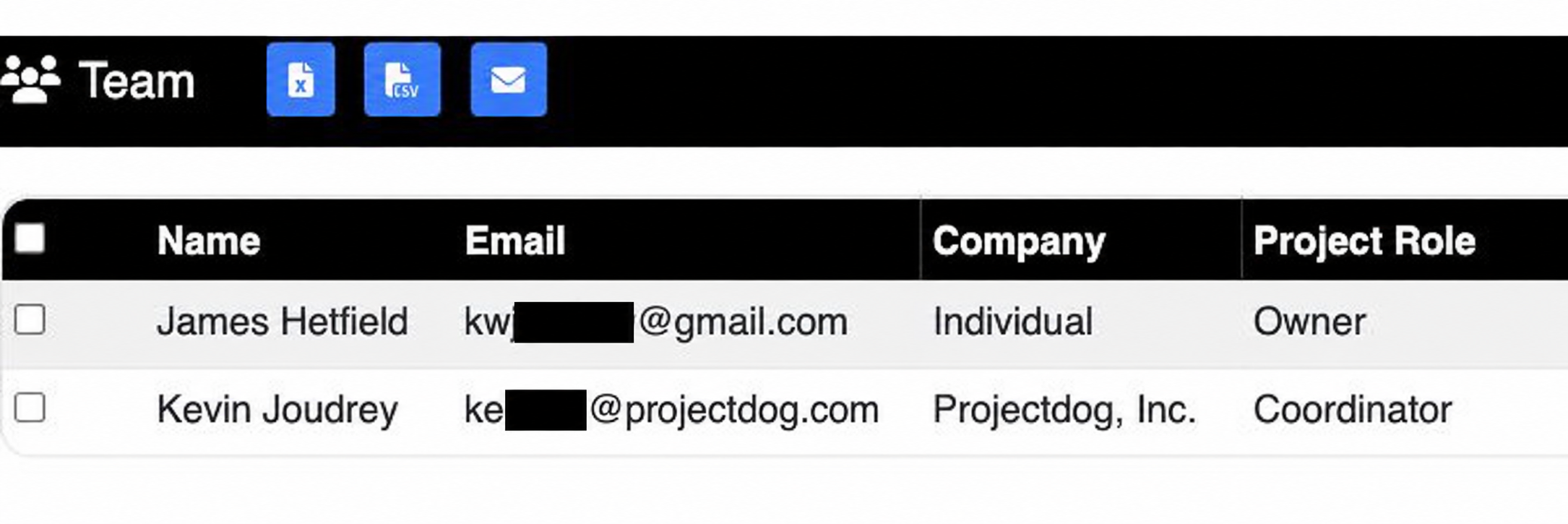
The demonstration project has an Owner and a Projectdog Coordinator assigned.
 View full-size screenshot ↗
Actual application screens from synthetic Cedar Harbor demonstration projects.
Who administers a project?
Project Administrators are client-side team members assigned as Owner, Consultant or Other. These roles support project administration, including editing project details where the project’s status permits.
Work with a Projectdog Coordinator
A Projectdog Coordinator supports your project. Projectdog Super Users handle platform operations and the configuration work reserved for their role.
Choose the response process
Use document hosting when you need to distribute project files. Add a Survey/Interest Form, Sub/Secondary Bids or General/Prime Bids when you need to collect responses.
Keep the team working together
A shared project connects the schedule, documents, participant questions and response records. Team members can work from the same published information.
Your next steps
- Identify your Owner, Consultant and other Project Administrators.
- Discuss the project’s procurement process with Projectdog.
- Continue to project setup.
See this workflow for your project
Discuss your procurement process with Projectdog and request a demonstration of the configuration relevant to your project.
Request a demonstration